The whole internet,
now multiplayer.
The ultimate watch party and co-browsing extension. Sync videos, browse, shop, and do anything on the web together with friends in real-time.
Works on your favourite sites
Originally developed for customer support, co-browsing has expanded into social use cases including watch parties, collaborative shopping, and shared research sessions.
Active Noise Cancelling
Features
Everything you need for the ultimate hangout
UNIVERSAL COMPATIBILITY
Watch and browse together on 30+ streaming sites
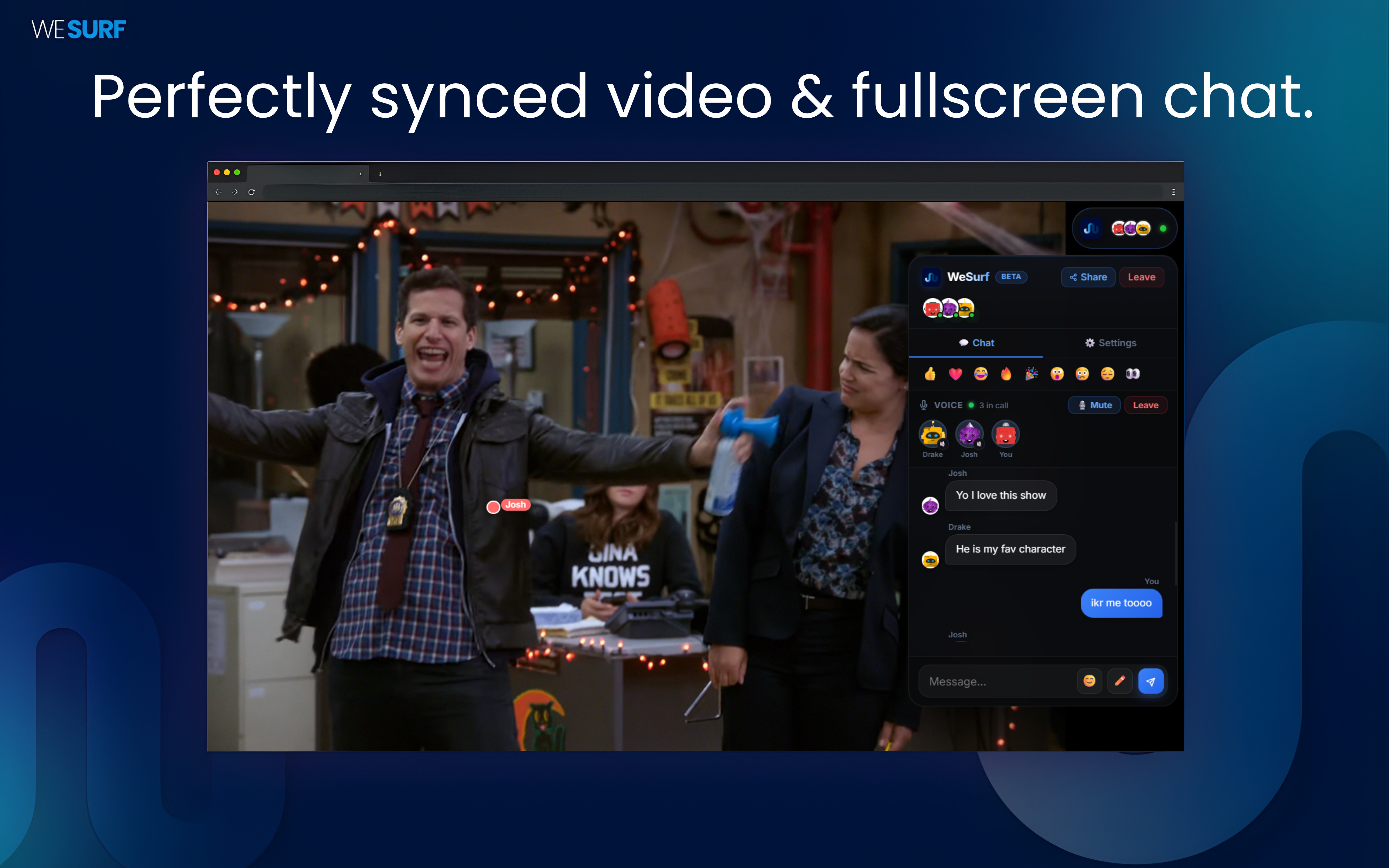
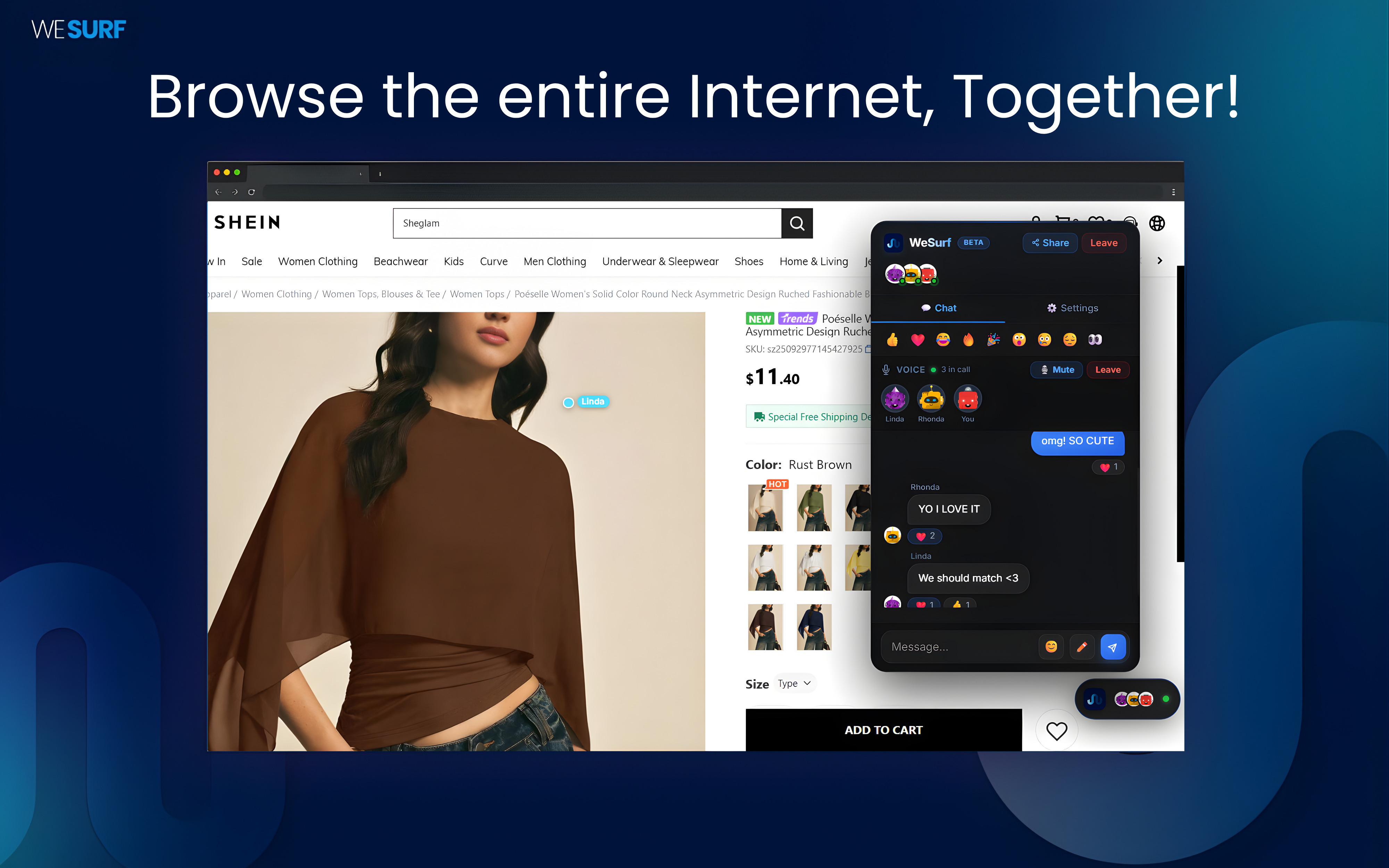
WeSurf isn't just for video — browse, shop, research, or explore any website together in real-time. Plus sync Netflix, YouTube, Disney+, Max, Twitch, and 25+ streaming sites with frame-perfect video playback.
BUILT-IN VOICE & CHAT
Talk while you watch
Voice chat, text messages, emoji reactions, and typing indicators — all built into a sleek sidebar that works even in fullscreen. No need to switch tabs or open another app.

INTERACTIVE
Draw and react in real-time
Doodle on screen with the drawing canvas, send floating emoji reactions that animate across the page, and react to messages — whether you're watching a movie or shopping together. Only on WeSurf.
HOST CONTROLS
Your party, your rules
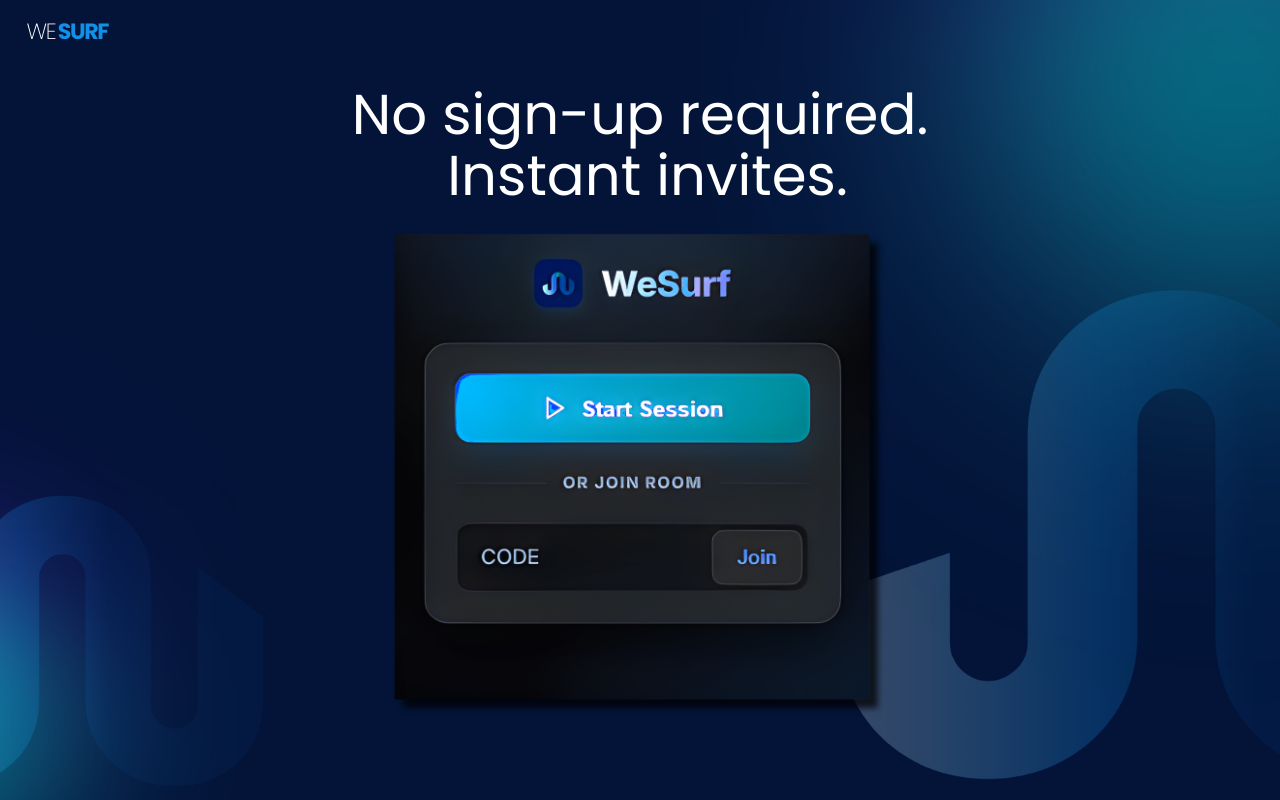
Lock navigation so only you control the page. Share a simple 6-character room code to invite friends instantly — no accounts, no sign-ups, no friction.
FAQ
Common questions
Yes! WeSurf works on Netflix, YouTube, Disney+, Prime Video, Twitch, Hulu, and virtually any site with an HTML5 video player. It also supports general co-browsing on any webpage.
Yes, everyone in the session needs WeSurf installed on their Chrome browser. It's free and takes about 10 seconds to install — just share the link and they'll be watching with you in no time.
Completely free. No subscription, no hidden fees, no account required. Just install and start a session.
WeSurf syncs the video — it doesn't bypass any subscriptions. Each person needs their own account on the streaming service. WeSurf just keeps everyone in perfect sync.
There's no hard limit — invite as many friends as you like. The more the merrier.
How it works
Up and running in 30 seconds
Install WeSurf
Click "Add to Chrome" on the Chrome Web Store. The extension installs in seconds — no account, no sign-up, no configuration needed.
Invite your friends
Click the WeSurf icon, hit "Create Room", and share the 6-character code or link. Friends join instantly when they click it.
Watch together
Video syncs automatically. Browse any website together, chat, react, talk with voice, and even draw on screen — all in real-time.
We're listening
Request a Feature
Got an idea that would make WeSurf better? We'd love to hear it.
Thanks for your request!
We read every submission and it helps shape the future of WeSurf.
Ready to surf together?
Free forever. No account needed. Just install and invite your friends.
Add to Chrome — It's Free